Insights & guides
Expert content on Framer website design, SEO, and web development.

Therapist Website Design: A Complete Guide for Private Practices
Someone lands on a therapist’s website in a very specific state of mind. They have probably been thinking about reaching out for weeks, sometimes months. They have three or four tabs open comparing practices. They are looking for a reason to trust one of them, and just as often, a reason to close the tab […]

Medical Practice Website Requirements: HIPAA, Accessibility, and Trust
Every medical practice website operates inside three sets of expectations: privacy rules under HIPAA, accessibility obligations under the ADA, and the trust standards patients apply before they book with anyone. Most practices get vague reassurance from their web vendor on all three and clear answers on none. This guide lays out what actually applies to […]

Healthtech Web Design: How Health Startups Build Trust Fast
A healthtech startup gets judged faster and harsher than almost any other kind of company. A visitor deciding whether to trust you with their bloodwork, their patients, or their employees’ health data makes that call in the first screenful. And unlike an established hospital or a dental practice with a physical address, a health startup […]

Dental Website Design: Best Practices and Examples
Choosing a dentist is a trust decision made on a screen. A new patient searches, opens three or four practice websites, and picks one in a few minutes, usually on a phone, often after reading nothing beyond the homepage and the reviews. The practices that win those minutes share a set of habits you can […]

12 Best Healthcare Website Design Examples
The best healthcare website examples share a pattern: they turn trust into something you can see, and they make the next step toward care impossible to miss. Below are 12 healthcare websites that do this well, from a century-old health system to virtual-first startups. We reviewed every site on this list directly this month, so […]

Wix to Framer Migration: A Complete Guide
Migrating from Wix to Framer means rebuilding your site on a design-first platform rather than transferring files, because the two systems are not compatible. The process is straightforward: audit your current site, export your content and assets, recreate the design in Framer, set up redirects, and switch your domain. Done carefully, you keep your content […]

Framer vs Builder.io: A Complete Comparison
Framer and Builder.io target different users entirely. Framer is a design-first website builder that lets designers ship fast, custom, hosted sites without code. Builder.io is a headless visual CMS that lets teams build and edit content visually on top of an existing codebase like React or Next.js. Choose Framer for standalone sites, Builder.io to power […]
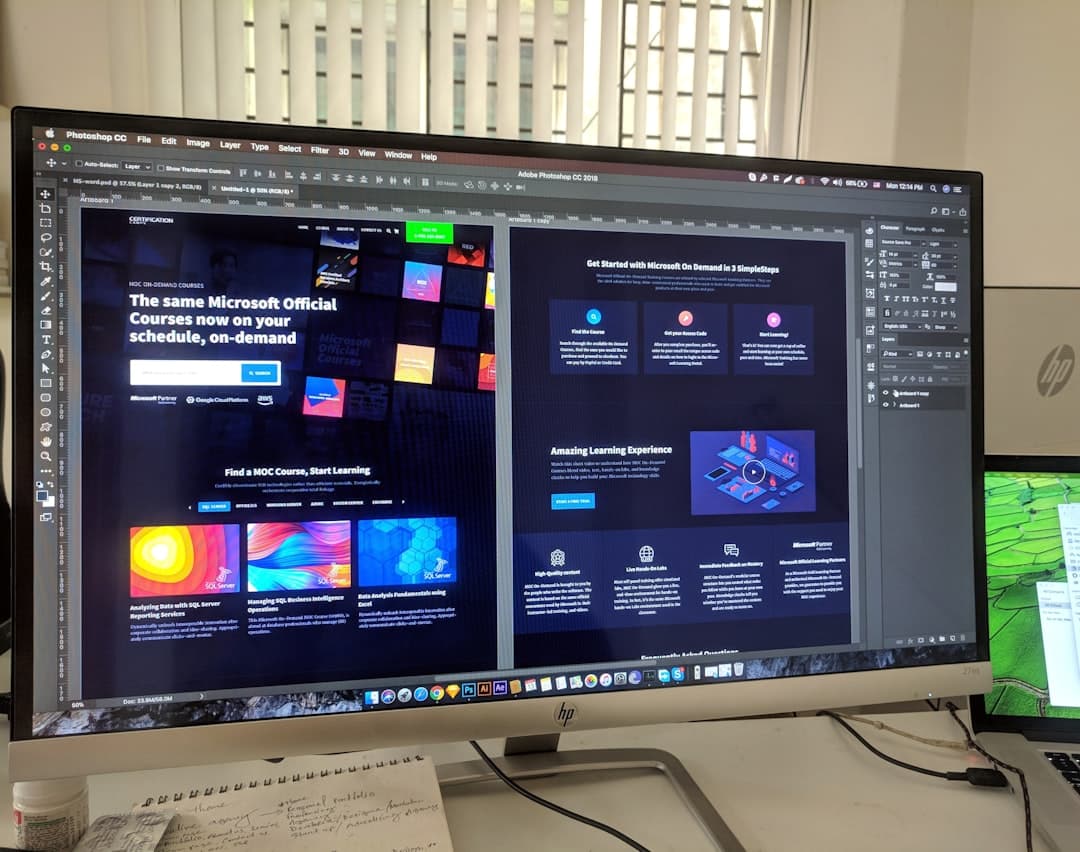
Framer vs Relume: A Complete Comparison
Framer and Relume are not really competitors. Framer is a complete design-first website builder that designs, publishes, and hosts your site. Relume is a library and AI tool that generates wireframes and components, then exports them into builders like Webflow or Framer. In practice, many designers use Relume to plan and Framer to build and […]

Framer vs Elementor: A Complete Comparison
Framer and Elementor solve the same goal in very different ways. Framer is a standalone, design-first website builder with hosting included, made for fast custom sites without code. Elementor is a WordPress plugin that adds drag-and-drop page building to an existing WordPress site. Choose Framer for speed and design freedom, Elementor when you need the […]
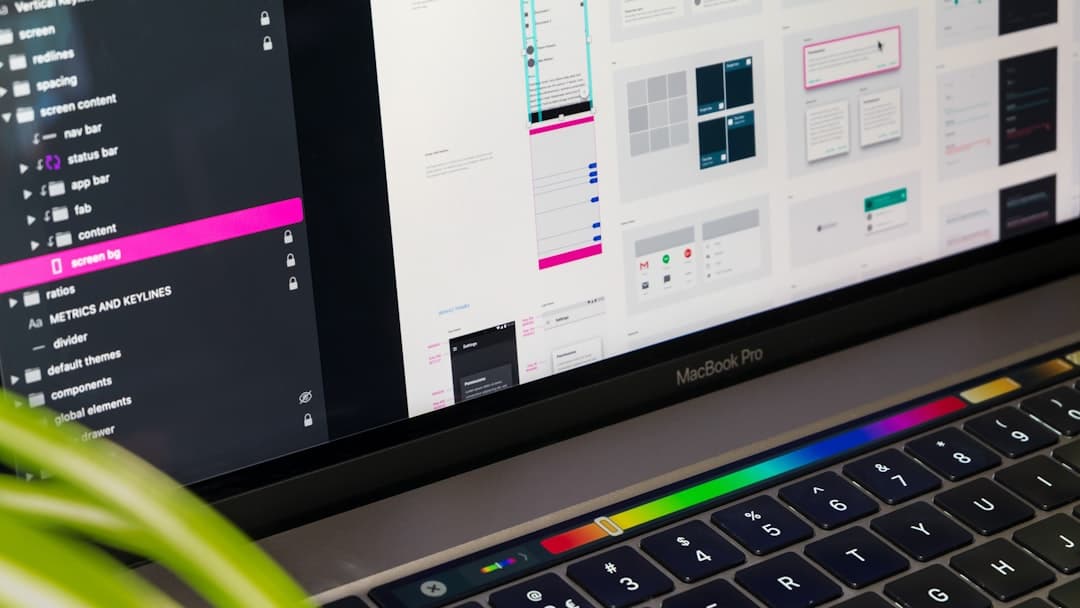
Web Design Portfolio: How to Build One
A web design portfolio is a curated website that showcases your best design work, explains your process, and gives prospective clients or employers a reason to hire you. Build one by selecting three to five strong projects, framing each as a case study with context and results, and presenting it all on a fast, well-structured […]

Maximalist Web Design: A Complete Guide
Maximalist web design is a bold, expressive style that embraces vivid color, layered textures, oversized type, rich imagery, and dense visual energy. Where minimalism strips everything away, maximalism piles it on with intention, using abundance to create personality, memorability, and emotional impact. The art lies in making “more” feel deliberate rather than chaotic. Key Takeaways […]

Search UX Design: A Complete Guide
Search UX design is the practice of making a website’s search experience fast, forgiving, and genuinely helpful. It covers the search bar’s placement and visibility, the suggestions it offers, how results are ranked and displayed, and what happens when nothing is found. Great search UX helps people find what they want in seconds, even when […]