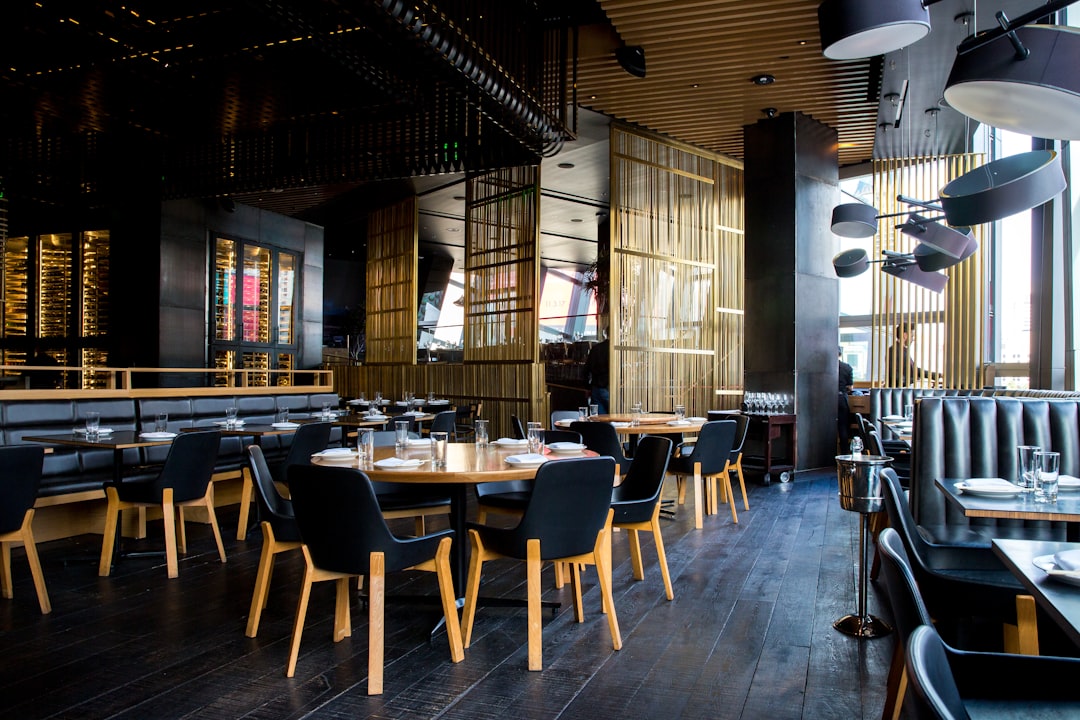
A great restaurant website design puts the menu, location, hours, and a reservation or order action within one tap of the homepage, loads fast on a phone, and looks as appetizing as the food. The goal is simple: turn a hungry visitor into a booked table or a placed order with as little friction as possible.
Most people find a restaurant on their phone while deciding where to eat in the next hour. They want to know what you serve, what it costs, whether you are open, and how to book or order. A website that hides any of those answers loses the diner to the next search result.
This guide covers the pages and sections a restaurant site needs, the design choices that make food look irresistible, the technical details that protect your traffic, and how to choose a platform. It is written for owners and marketers who want a site that fills tables, not just one that looks nice.
Key takeaways
- The menu, hours, location, and a clear reservation or order button are the four things every visitor needs first.
- Most restaurant traffic is mobile, so design for the phone first and let the desktop layout follow.
- High-quality, well-lit food photography is the single biggest driver of appetite and trust on a restaurant site.
- Local SEO and accurate, consistent business information help diners find you in map and search results.
- Framer gives restaurants fast-loading, visually rich sites that are easy to update as menus and hours change.
The pages and sections every restaurant website needs
A restaurant site does not need to be large. It needs to answer a few questions instantly. The structure below covers what matters and nothing that does not.
Homepage that answers the basics in one view
The homepage should show the restaurant name, a mouthwatering hero image, the cuisine or concept in a short line, and two clear buttons: one to view the menu and one to book or order. Hours and a phone number belong high on the page, not buried in a footer. A visitor should grasp what you are and how to act within seconds.
The menu page, done right
The menu is the most visited page on almost every restaurant site, so treat it as the priority. Present it as readable text, not a slow-loading PDF or an image that pinch-to-zoom cannot save. Group dishes clearly, include prices, and flag dietary options like vegetarian or gluten-free. If your menu changes often, a structure you can edit in minutes is worth more than a fancy layout you dread updating.
Reservations and online ordering
Make booking and ordering obvious and frictionless. Whether you embed a reservation widget or link to your ordering partner, the action should be reachable from every page. A diner who has to hunt for the reserve button often leaves to find a restaurant that made it easy.
About, location, and contact
An about section tells your story and builds the emotional pull that turns a casual browser into a regular. The location section needs an embedded map, full address, parking notes, and accurate hours including holidays. These details reduce phone calls and no-shows.
Making food look irresistible
People eat with their eyes first. The visual design of a restaurant site does more selling than any paragraph of copy.
Photography is the whole game
Invest in professional, well-lit photos of your signature dishes and the dining room. Bright, warm, in-focus images of real plates outperform stock photography every time. A single great hero shot of your best dish sets the tone for the entire visit. If a budget shoot is all you can manage now, prioritize the five dishes you most want to sell.
Typography and color that match the concept
A fine-dining room and a neighborhood taqueria call for different type and color choices. Elegant serif type and restrained color suit upscale concepts; bold, warm tones and friendly type suit casual ones. The design should feel like walking through your front door. Restaurants compete on atmosphere, and the site is the first taste of it. The same principle of matching design to the buyer applies across industries, as we explore in our look at AI company website design.
Designing for the phone first
The majority of restaurant searches happen on mobile, often while someone is walking or driving toward a decision. If the phone experience is slow or cramped, the desktop version barely matters.
Thumb-friendly actions
Buttons for menu, reservations, ordering, and calling should be large enough to tap with a thumb and placed where thumbs naturally reach. A sticky bar with these actions, fixed to the bottom of the screen, keeps them available no matter how far the visitor scrolls.
Speed is a feature
A hungry person will not wait for a heavy site to load. Compress images, avoid bloated scripts, and aim for a fast first paint. Good Core Web Vitals scores are not just an SEO nicety here; they are the difference between a held visitor and a bounced one. A platform that ships lean code by default removes a lot of this work.
Getting found: local SEO for restaurants
Diners discover restaurants through search and maps far more than through any other channel. The site has to support that discovery.
- Keep your name, address, and phone number identical across your website, Google Business Profile, and every directory.
- Add structured data for your restaurant, menu, and hours so search engines can display rich results.
- Write a homepage and location page that mention your city and neighborhood naturally, so local searches match.
- Embed a real map and link directions, which both helps visitors and signals location relevance.
- Encourage genuine reviews on your Google Business Profile, since rating and review volume influence map rankings.
Consistent information builds trust and ranking
Conflicting hours or addresses across the web confuse both diners and search engines. Pick your website as the source of truth and make sure every other listing matches it. This discipline is similar to the rigor we recommend for lead-focused sites in our B2B lead generation website breakdown, where accuracy and clarity directly drive conversions.
Choosing a platform for a restaurant website
The platform decides how fast your site loads, how easily you can update a menu, and how good it looks. Restaurants have specific needs: frequent menu edits, heavy imagery, and mobile speed.
| Need | What to look for | Why it matters for restaurants |
|---|---|---|
| Frequent menu updates | Easy visual editing | Prices and dishes change; updates must take minutes |
| Rich food imagery | Fast image handling | Photos sell, but heavy images can slow the site |
| Mobile performance | Lean code, strong Core Web Vitals | Most diners arrive on a phone in a hurry |
| Distinctive design | Full creative control | Atmosphere differentiates one restaurant from the next |
| Reservations and ordering | Easy embeds and integrations | The booking action is the conversion |
Why Framer fits restaurants well
Framer combines full design freedom with fast-loading output, which is the exact pairing a restaurant needs: a site that looks as good as the food and still loads instantly on a phone. Menus, hours, and seasonal specials are quick to edit visually, so the site stays current without a developer. For owners who want a beautiful, distinctive site that performs, Framer hits the balance that generic builders and heavy platforms struggle to match.
Keeping a restaurant website current
A restaurant site goes stale fast if no one tends it. Prices change, the seasonal menu rotates, holiday hours shift, and a new chef joins. The sites that keep filling tables are the ones that stay accurate, which is why a platform you can update in minutes is worth more than a beautiful one you avoid touching.
Treat the menu and hours as living content
Update prices and dishes the day they change, and post holiday hours before the holiday, not after a frustrated diner shows up to a locked door. Because Framer lets you edit visually, these changes take a few minutes and need no developer. An always-accurate site protects the trust that turns a first-time guest into a regular.
Use real reviews and seasonal photos
Rotate in fresh photos of seasonal dishes and quote recent reviews near your reservation button. New imagery keeps the site feeling alive and current, and recent praise reassures a hesitant diner at the exact moment they decide whether to book. A short shoot once or twice a year is usually enough to keep the visuals feeling fresh.
Frequently Asked Questions
What is the most important page on a restaurant website?
The menu page. It is the most visited page on nearly every restaurant site because diners want to know what you serve and what it costs before they commit. Present it as readable text with prices and dietary flags, not a slow PDF, and make it reachable in one tap from the homepage.
Should a restaurant website show the menu as a PDF?
It is better to build the menu as real text on the page. PDFs load slowly, are hard to read on phones, and cannot be styled to match your brand. A text-based menu loads fast, reads well on mobile, supports search engines, and is far easier for you to update when prices or dishes change.
How much does a restaurant website cost to build?
Costs vary widely with scope and quality, from inexpensive template sites to fully custom builds. The bigger drivers are professional food photography and a platform that loads fast and is easy to update. Investing in great photos and a quick, mobile-first site usually returns more than spending on extra pages most diners never visit.
Does my restaurant website affect how I rank on Google Maps?
Yes. A fast, mobile-friendly site with consistent name, address, and hours that match your Google Business Profile supports your local ranking. Structured data, an embedded map, and genuine reviews all reinforce relevance, helping diners find you when they search for a place to eat nearby.
If you want a restaurant website that makes your food look irresistible and loads instantly on every phone, the team at Framer Websites builds exactly that in Framer. Explore our pricing and let us design a site that fills your tables.