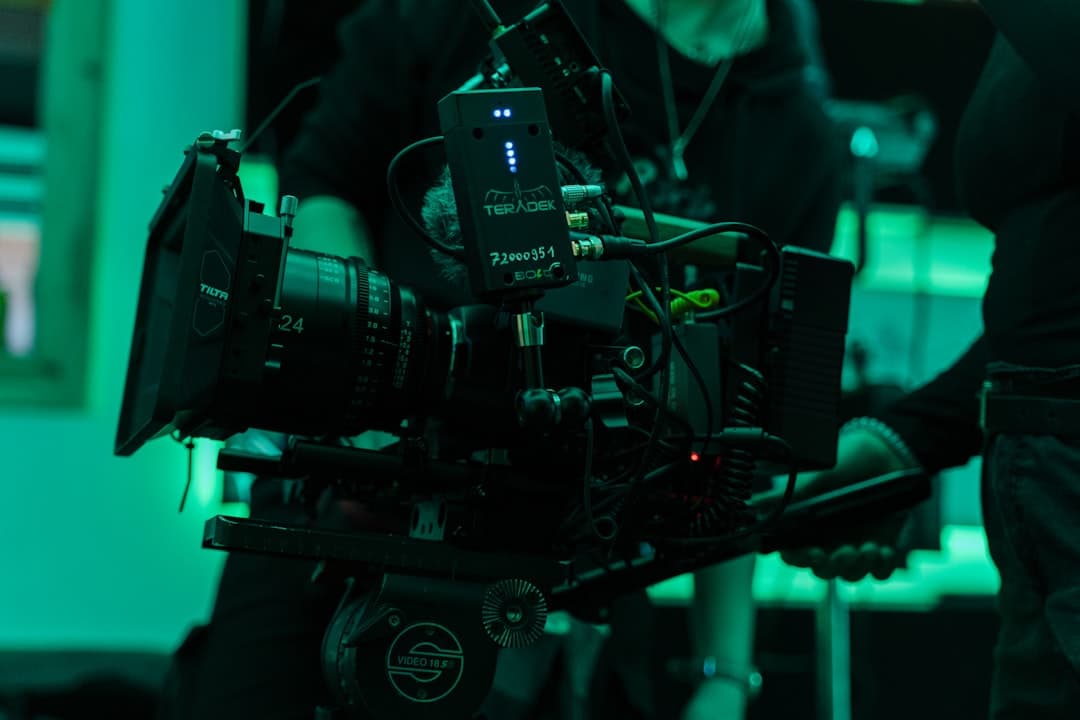
A great photography studio website design treats the site as portfolio first, business second. It loads cinematic galleries instantly, organizes work by genre such as wedding, commercial, portrait, or editorial, names the photographers and their credentials, surfaces client testimonials and publications, and converts inquiries through clear pricing tiers, transparent booking flows, and direct paths to a consultation.
What Makes a Great Photography Studio Website
Photography is the most visual business there is. Clients hire photographers almost entirely on the basis of past work. A great photography studio website design treats every design choice as an extension of the photographer’s eye. Typography, spacing, image cropping, color grading, and motion all need to feel as considered as the photographs themselves.
The portfolio test comes first and dominates everything else. Visitors want to see the work, immediately, in high resolution, organized in a way that lets them find their genre quickly. A site that buries the portfolio behind a long bio, a hero video without imagery, or a navigation maze loses to studios that let the work lead.
The trust test comes second. Clients booking weddings, commercial shoots, or family portraits want proof that the studio delivers consistently. Named past clients, named publications, testimonials with full names and contexts, and a clear sense of how the studio works all build this confidence. Our broader design agency website design guide covers many of the foundational portfolio principles.
Essential Pages and Features for Photography Studios
The page architecture is dictated by the visual nature of the work. The homepage typically opens with a portfolio reel or featured image, with minimal copy. A portfolio or work section organizes images by genre. A services or pricing section explains what the studio offers and at what investment level. An about section introduces the photographer.
Beyond core pages, photography studio sites benefit from a booking or inquiry flow, an FAQ section addressing common questions about deliverables and timelines, a journal or blog for recent shoots and behind-the-scenes content, and a press or publications section for studios with editorial work.
Galleries are the most-used feature on a photography studio site. The gallery experience needs to support full-screen viewing, keyboard navigation, smooth transitions, and optional captions. Slow or clunky galleries undermine the portfolio entirely.
Design Principles for Photography Studio Sites
Restraint is the dominant principle. The best photography studio sites use minimal navigation, generous whitespace, considered typography, and let the photographs carry the visual weight. Color should defer to the imagery; bold brand colors typically compete with the photographs rather than support them.
Image quality is non-negotiable. Photography is the calling card. The site needs to display full-resolution images with careful cropping and modern formats like AVIF and WebP. Compressed thumbnails or blurry images destroy the perceived quality of the entire studio. Our visual hierarchy guide covers how to balance image dominance with usable navigation.
Performance matters more than founders often realize. Photography sites are image-heavy by definition, and slow loading means the visitor leaves before seeing the work. Modern stacks like Framer deliver sub-second load times with built-in image optimization, which means even a gallery with 60 photographs loads quickly on mobile.
Typography and Color for Photography Studios
Typography on a photography studio site does two things: it sets the brand voice and it stays out of the way of the photographs. Pick a single serif or sans-serif typeface for headings that complements the photographic style. Editorial wedding photographers often lean toward classical serifs like Cormorant Garamond or Canela. Commercial and fashion studios favor cleaner sans-serifs like Inter, Söhne, or Neue Haas Grotesk.
Body type should sit between 16 and 18 pixels, with generous line height between 1.5 and 1.7. The few paragraphs on a photography studio site need to read as carefully as the images look. Pair body and heading typefaces with intention rather than mixing four typefaces across the site.
Color should default to monochrome. Black, white, and warm neutrals let the photographs carry the color story. Reserve any accent color for small touches like buttons, link hovers, or section dividers. A studio with bold brand colors competing against varied photography looks chaotic; a studio with restrained color choices looks confident.
Content Strategy for Photography Studios
The primary content is the work itself. Each major shoot deserves a gallery, either as a dedicated project page or as part of a curated portfolio section. Wedding photographers benefit from full wedding galleries that show the day’s arc. Commercial photographers benefit from project pages with named brands and named campaigns.
Beyond galleries, journal posts about recent shoots build SEO authority and give clients a sense of the studio’s pace and aesthetic. A consistent journal cadence, even just twice a month, signals an active practice. Sporadic or abandoned blogs do the opposite.
Voice should sound like the photographer, not a marketing team. Specific clients, specific locations, specific decisions about light or composition. Generic phrases like “capturing your special moments” read as filler and signal a generic practice.
Conversion Optimization for Photography Studios
The primary conversion is an inquiry that leads to a booking. Forms should ask for name, event or shoot type, date or rough timeline, location, and a short message. The shoot-type and date fields let the studio qualify inquiries quickly and check availability before responding.
Pricing transparency is a major lever. Studios that publish at least starting prices or investment ranges convert better than studios that require an email exchange just to learn pricing. Buyers self-select, and the studio sees fewer unqualified inquiries. Our website conversion rate guide covers the full optimization playbook.
For wedding photographers, a guide or pricing PDF download is a strong secondary conversion. The download captures the email of buyers who are not yet ready to book and feeds a nurture sequence. Our CTA button design guide covers the patterns that drive these actions.
SEO Considerations for Photography Studios
SEO for photography studios targets local and niche queries. The highest-value searches are “[genre] photographer [city],” such as “wedding photographer Brooklyn” or “commercial photographer Los Angeles.” These local searches dominate the booking funnel for most studios.
Location and venue pages can rank well for wedding photographers. A page dedicated to a specific wedding venue, with photographs of past weddings shot there, ranks for couples searching that venue. Multiply this across 20 to 50 venues and the SEO compounds quickly.
Schema markup helps. LocalBusiness schema, Photograph schema on individual images where appropriate, and FAQPage schema all help search engines understand the studio. For a deeper SEO playbook, see our Framer SEO guide.
Accessibility for Photography Studio Websites
Photography sites have specific accessibility considerations because the content is overwhelmingly visual. The most common gaps are missing alt text on portfolio images and gallery components that cannot be navigated by keyboard or screen reader.
- Write meaningful alt text. A line like “Bride and groom embracing at sunset on Half Moon Bay beach” is far more useful than “wedding photo.” Alt text should describe what is in the image, not editorialize about how beautiful the image is.
- Make galleries keyboard-navigable. Arrow keys should move between images, Escape should close the lightbox, and Tab should never trap the user inside the gallery. Modal galleries especially need focus management on open and close.
- Provide captions where context matters. Captions help all visitors, not just those using assistive technology. Naming the venue, date, or campaign turns a photograph into a portfolio entry.
- Maintain text contrast on image overlays. If you place white text over a photograph in the hero, add a gradient overlay or scrim so contrast stays above 4.5:1. Test on the busiest portion of the image, not the calmest.
- Respect reduced motion. Auto-playing video reels and parallax scroll should pause for visitors with motion sensitivity. Provide a clear pause control near the top of any auto-playing hero.
Mobile Experience for Photography Studios
The majority of photography studio traffic comes from phones, particularly Instagram referrals where a potential client taps through to the studio site. The mobile experience is often the first and only experience the visitor has.
- Lead with a single hero image, not a slideshow. Slideshows on mobile feel slow and can shift layout as new images load. A static hero image with a clear path to the portfolio loads fast and converts better.
- Use a swipe-friendly gallery. Native swipe gestures feel familiar to Instagram users. The gallery should fill the screen edge-to-edge with a clear close affordance.
- Keep navigation thumb-reachable. A bottom navigation bar or floating CTA button works better than a top hamburger menu for inquiry-driven sites.
- Compress images aggressively for mobile. Framer serves smaller variants automatically, but the source file should also be reasonable. A 1600px wide source covers all retina mobile devices without excess bandwidth.
- Test on cellular, not Wi-Fi. A studio site that loads in two seconds on home Wi-Fi may take ten on cellular at a venue. Cellular performance is what shapes real-world impressions.
Common Mistakes to Avoid
The most common mistake is hiding the work behind a splash screen, hero video, or long welcome message. Visitors leave before they see a single photograph. The portfolio should be visible in the first scroll, ideally with a hero image that demonstrates the studio’s signature look.
The second mistake is mixing genres in the main portfolio. A wedding photographer who shows wedding, family, commercial, and event work together loses clients in each category. Separate portfolios by genre and let visitors navigate to the work that matches their need.
The third mistake is over-watermarking or shrinking images to prevent theft. Heavy watermarks ruin the viewing experience. Small thumbnails frustrate visitors. The right balance is full-screen viewing with a subtle corner watermark or no watermark at all, paired with reasonable image protections.
The fourth is neglecting the contact and inquiry flow. A photographer can have the strongest portfolio on the internet and still fail to convert if the inquiry form takes more than 30 seconds to find or fill out. Make the next step obvious from every page.
How Framer Fits Photography Studios
Framer is well-suited to photography studio websites for three reasons. First, the design fidelity lets photographers express their visual sensibility precisely, without the template constraints of WordPress themes. Second, the image optimization and CDN delivery mean photograph-heavy galleries load fast on every device. Third, the CMS lets the studio publish new shoots and journal posts without involving a developer.
The breakpoint editor handles the challenging mobile experience for image-heavy sites gracefully. Squarespace remains a competitive choice for studios that want fewer setup decisions, while Webflow and WordPress remain options for studios with in-house developers or specific commerce needs. Shopify is rarely the right fit unless the studio sells prints as a core revenue stream. To see what is possible, see our Framer templates guide or get in touch for a tailored consultation.
Frequently Asked Questions
How much does a photography studio website cost?
A solo photographer typically invests 3,000 to 12,000 dollars in a custom website. Established studios with multiple photographers and large portfolios spend 12,000 to 40,000 dollars. The right budget depends on the size of the portfolio and how much the studio depends on inbound bookings.
What is the best platform for a photography studio website?
Framer and Squarespace are the most popular choices for solo and small studios because both offer strong template ecosystems and good image handling. Framer wins on speed, design flexibility, and editorial design quality. Squarespace is simpler for non-technical photographers. Webflow and WordPress remain options for larger studios.
Should photographers publish pricing on their websites?
Generally yes, at least starting prices or investment ranges. Transparent pricing reduces unqualified inquiries and builds trust. Full price lists work for productized services like portrait packages. Custom commercial pricing is harder to publish.
How many images should appear in the portfolio?
Quality over quantity. A focused portfolio of 30 to 80 strong images per genre often outperforms a sprawling library of 300. Show the best work, organize by genre, and refresh the portfolio at least twice a year.
How important is mobile design for photography studio websites?
Critical. More than 70 percent of photography studio traffic is mobile, especially for wedding and family photographers whose clients discover them through Instagram. Mobile galleries need to be fast, full-screen, and swipe-friendly.