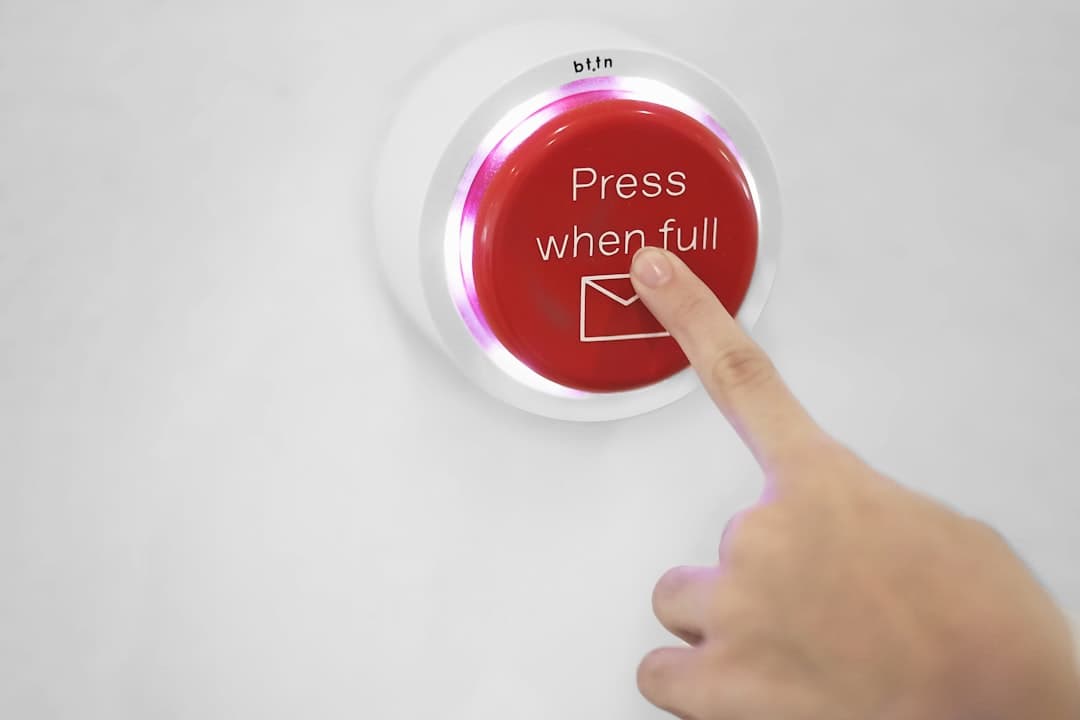
The CTA buttons that convert in 2026 share five traits: high contrast against the surrounding background, action-oriented copy that names the outcome (not “Submit” or “Click here”), a size that feels confident at 44 to 56 pixels tall, placement above the fold and repeated at logical decision points, and just enough motion or hover feedback to feel alive without distracting. Buttons are tiny, but the difference between a 1.8 percent and a 4.2 percent conversion rate often comes down to button design.
Why Button Design Punches Above Its Weight
A CTA button is the moment of conversion. Everything else on the page exists to push the visitor toward that one element. Hero copy, social proof, pricing, FAQ, all of it leads to a click. When the button is wrong (low contrast, vague copy, awkwardly placed) the page leaks conversions even when the rest is excellent.
The math is straightforward. A landing page that gets 5,000 visitors per month at a 2 percent conversion rate produces 100 conversions. Lifting the rate to 3 percent produces 150 conversions, a 50 percent revenue increase, often from button changes alone. Buttons are one of the highest-leverage CRO surfaces.
Color and Contrast: The First Thing Visitors See
Buttons need to win the contrast battle on the page. WCAG 2.2 requires 3:1 contrast between the button and its background for non-text UI elements. Most high-converting buttons exceed 4.5:1.
Three color strategies work consistently:
- Brand color on neutral background: the button uses the brand accent (orange, green, blue) on a white or light gray section. This maximizes attention.
- White on dark: on dark sections, a white or light button with dark text reads instantly. Apple uses this consistently.
- Inverse contrast: if the brand accent is used heavily for typography or icons, the button can use a contrasting color (black on a primarily blue site, for example).
Avoid button colors that match the surrounding section. A blue button on a blue hero section disappears. The visitor scans, sees nothing actionable, and bounces.
Run every button design through the squint test. Squint at the page until details blur. The button should still be obvious. If it disappears in the squint test, the contrast is too low.
Copy: Name the Outcome, Not the Action
Button copy is one of the most-tested elements in CRO. The pattern that wins almost every test: name the outcome the visitor wants, not the action the form performs.
Weak copy:
- Submit
- Click here
- Sign up
- Learn more
- Send
Strong copy:
- Get my free audit
- Start my 14-day trial
- Book my demo
- See pricing
- Send my proposal
The strong copy uses first-person possessive (“my”) because it makes the visitor visualize ownership. It names the specific outcome (“free audit,” “14-day trial,” “demo,” “pricing”). It uses an action verb that promises movement (“get,” “start,” “book,” “see”).
Length matters less than specificity. A 5-word button that names the outcome converts better than a 2-word generic button. The hard cap is around 30 characters before the button feels cluttered.
Size and Touch Targets
Buttons need to be physically clickable. WCAG 2.2 recommends a minimum touch target of 44 by 44 pixels (the iOS standard). 48 by 48 pixels is the Material Design standard. For high-stakes CTAs (purchase, demo booking), 56 to 64 pixels tall is common.
Padding matters as much as height. A button with 16 pixels of vertical padding and 32 pixels of horizontal padding feels confident. A button with 8 pixels of padding feels cramped and hesitant.
Font size inside the button should be 14 to 18 pixels for body text, 16 to 20 pixels for hero CTAs. Anything smaller looks weak; anything larger pushes the button into a different visual category.
Placement: Above the Fold and Beyond
The first CTA appears in the hero, above the fold. This is non-negotiable for conversion-focused pages. The hero CTA must be visible without scrolling on the most common screen sizes (1366 by 768 desktop, 390 by 844 mobile).
Subsequent CTAs appear at decision points throughout the page. Common decision points:
- End of the hero or first viewport
- After social proof (logos, testimonials)
- Inside the pricing section
- After the FAQ section
- In a sticky header that follows the visitor
Long-form pages should have a CTA every two to three viewport heights. The visitor should never be more than one scroll away from a way to convert.
Sticky CTAs (a button that follows the visitor as they scroll) work well on mobile and on long-form sales pages. They typically lift conversions 5 to 20 percent. The cost is a tiny amount of screen real estate.
For deeper hero patterns, the hero section design best practices guide breaks down where to place the primary CTA.
Visual Hierarchy: Primary, Secondary, Tertiary
Most pages need three button styles. Mixing them up creates decision paralysis and reduces conversions on the primary action.
- Primary button: filled, brand-color, used for the main conversion (Book demo, Start trial, Buy now). One per viewport, max.
- Secondary button: outlined or ghost, used for the alternative path (Learn more, See features). Lower visual weight.
- Tertiary button or text link: underlined text or icon-only, used for low-stakes actions (Read the docs, Watch video).
The hierarchy guides the eye. The primary button should pull attention first. The secondary should look like a backup option, not a competitor.
The biggest mistake here is making two buttons in the hero look equally important. When the visitor cannot decide which to click, they often click neither.
States and Feedback
A button has at minimum five states: default, hover, focus, active, disabled. Each communicates something different.
.button {
  background: var(--brand);
  color: white;
  padding: 16px 32px;
  border-radius: 8px;
  transition: transform 150ms ease, box-shadow 150ms ease;
}
.button:hover {
  transform: translateY(-1px);
  box-shadow: 0 8px 24px rgba(0,0,0,0.15);
}
.button:focus-visible {
  outline: 3px solid var(--brand-accent);
  outline-offset: 2px;
}
.button:active {
  transform: translateY(0);
}
.button:disabled {
  opacity: 0.5;
  cursor: not-allowed;
}
Hover should give a subtle lift or color shift. Focus must be visible for keyboard users (WCAG 2.4.7 requires this). Active should give a small press-down feedback. Disabled should be visually distinct so the visitor knows why they cannot click.
Microcopy Around the Button
The text immediately above and below the button affects conversion almost as much as the button itself. Three patterns work:
- Risk reversal: “No credit card required” or “Cancel anytime” below the button. Reduces friction.
- Social proof: “Join 12,000 marketers” above the button. Adds confidence.
- Specificity anchor: “Free for 14 days, then $29/month” below the button. Sets clear expectations.
Microcopy is most effective on commitment-heavy buttons (purchase, signup, demo booking). It is less critical on low-commitment buttons like newsletter signup.
Mobile-Specific Considerations
Mobile is where most CTA design dies. Common mobile failures:
- Button too close to the keyboard area, getting hidden when typing
- Buttons that are full-width on desktop and unreadably tiny on mobile
- Two buttons stacked vertically that look identical
- Tap targets too small (under 44 pixels) or too close together
- Buttons that fall below the keyboard area on iOS Safari
Test every button at 320 pixel width (small mobile) and 390 pixel width (iPhone). The button should still hit at least 44 pixels of height and have clear copy. Sticky bottom CTAs work especially well on mobile because they survive scroll fatigue.
Common CTA Mistakes
Six mistakes tank conversion rates. Using a button color that blends with the section background. Writing generic copy like “Submit” or “Click here.” Placing the only CTA below the fold. Stacking three or four equally-weighted CTAs in a row. Skipping focus states (kills accessibility). Ignoring mobile entirely.
Each mistake is fixable in a sprint. Audit existing pages quarterly: pull GA4 click data, identify low-CTR buttons, and run targeted tests on copy, color, and placement.
A/B Testing Buttons the Right Way
Button tests are the best place to start with CRO. They are easy to implement, easy to measure, and produce statistically significant results faster than larger page changes. Run tests on:
- Copy variants (outcome-focused vs action-focused)
- Color (brand color vs contrast color)
- Size (default vs 30 percent larger)
- Placement (hero only vs hero plus mid-page)
Use a tool like Google Optimize replacement (PostHog feature flags work, as do Optimizely or VWO). Run each test for at least two full weekly cycles. Aim for at least 1,000 conversions per variant before declaring a winner. The website conversion rate guide covers the broader CRO context.
For specific examples of CTA placement on Framer-built sites, see our pricing page.
Frequently Asked Questions
What color converts best for CTA buttons?
There is no universal best color. Contrast against the surrounding background is what matters. The button must stand out. Orange, green, and red often outperform blue on white backgrounds because they create more contrast, but the brand context matters more than any specific color.
Should I use one CTA or multiple on a landing page?
Use one primary CTA repeated at multiple decision points. Mixing two equally-weighted primary CTAs (Buy now and Start trial, side by side) confuses visitors and reduces conversions on both. A primary plus a secondary (Buy now plus Learn more) works.
Where should the main CTA go on a long page?
The first CTA goes above the fold in the hero. Repeat the same CTA every two to three viewport heights. Long-form sales pages typically have 4 to 8 instances of the primary CTA. Sticky bottom or sidebar CTAs catch visitors who scroll past inline buttons.
Does button shape (rounded vs square) affect conversion?
Marginally. Rounded corners (4 to 8 pixels) feel modern and approachable. Fully rounded (pill-shaped) feels playful. Sharp corners feel formal. Test within your brand context, but the effect is small compared to copy, color, and placement.
How long should CTA button copy be?
Two to five words is the sweet spot for most CTAs. Longer copy can work when it names a specific outcome (“Start my free 14-day trial”). The hard cap is around 30 characters before the button feels cluttered. Specificity matters more than brevity.
If you want CTA buttons that convert and a Framer build that ships with conversion-focused design baked in, talk to our team about a build matched to your funnel.