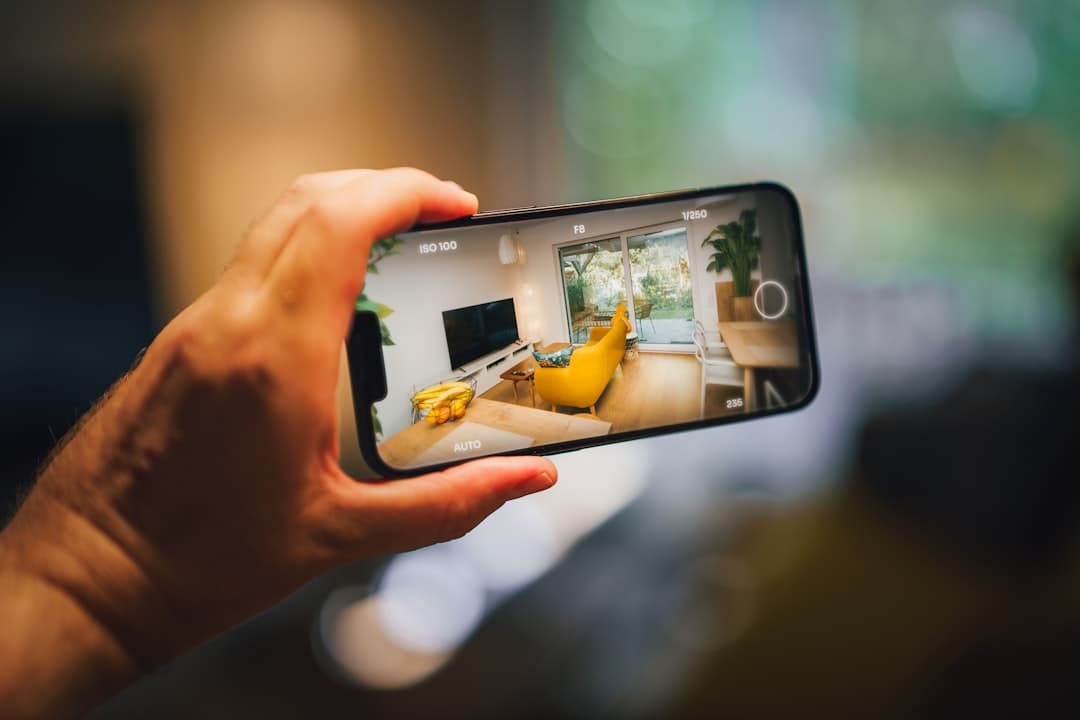
App landing page design converts when it shows the product, proves it works, and removes friction from the install path. The strongest 2026 app landing pages combine device mockups in motion, a feature carousel that previews real screens, App Store and Google Play badges with deep-link handling, testimonials with star ratings, and a hero video walkthrough that runs under 30 seconds.
What an app landing page has to do
App landing pages are different from website landing pages because the conversion event is an install, not a signup. The visitor has to leave the browser, go to a store, find the app, click install, wait, open, and onboard. That sequence has six places where intent drops. The landing page’s job is to push enough conviction across the visitor that they get through all six.
The successful pattern in 2026 is “show, do not tell.” Replace paragraphs of feature copy with short videos and animated mockups. Replace generic testimonials with star-rated reviews pulled from the actual app stores. Replace one giant install button with two clear store badges that handle iOS and Android separately.
Hero with device mockups
The hero needs to make the app feel real in five seconds. Static screenshots flatten that emotion. Motion makes it land.
Mockup style choices
Three patterns work in 2026. First: a 3D iPhone mockup with a looping video showing real interaction (tapping, scrolling, completing a flow). Second: a parallax stack of two or three phones showing different screens. Third: a side-by-side iPhone and Android mockup that signals cross-platform availability immediately. The third works particularly well for apps where Android share is meaningful.
Resolution and frame rate
The mockup video has to be crisp. Low-res screen recordings betray amateurism instantly. Record at 1080p minimum, 60fps if possible, and export as both H.264 MP4 and WebM for browser compatibility. Lottie animations are an alternative for icon-driven interactions but cannot fully replace a real product video.
App Store and Google Play badges, done right
Badges are not decorative. They are the conversion event. Get them wrong and lose the install.
Use the official badges
Apple and Google publish exact badge guidelines. Use the official assets, at the correct minimum size, with the right whitespace around them. Generic “Download on iPhone” buttons signal that the team did not bother to ship a polished launch and dent trust. Both platforms also offer localized badges, which matter in non-English markets.
Smart store routing
The strongest app pages detect the visitor’s device and surface the relevant badge first. iOS visitors see App Store; Android visitors see Google Play. Desktop visitors see both with a “scan to install” QR code as a third option. The QR code converts surprisingly well because the visitor’s phone is usually within reach.
Deep linking
Link directly to the store listing, not to a generic landing. For iOS, that is an apps.apple.com URL. For Android, a play.google.com URL. If the visitor already has the app installed, deep links can take them straight to a specific in-app screen. This matters more for re-engagement campaigns than first-install flows.
Feature carousel and screen previews
Below the hero, a feature carousel walks the visitor through what the app actually does.
Three-to-five core features, no more
Resist showing every feature. Pick the three to five that are most differentiating and dedicate a section to each. Each section should pair a one-paragraph feature description with a screen preview, animated if possible. The visual carries 80% of the persuasion. Our landing page design best practices guide covers section structure that applies directly here.
Real screens, not concept art
Mock-up screens that do not match the actual app create a credibility gap when visitors install. Use real screens, captured from the production app. If the screens have placeholder data, dress them with realistic content (real-looking names, real-looking numbers) before screenshotting.
Testimonials with star ratings
App users trust other app users more than marketing copy. Surface real reviews from the App Store and Google Play.
Pull from the actual stores
Three to five recent reviews, each with the reviewer’s name (or initials), star rating, and review text. A star rating widget at the top (“4.7 stars from 12,400 reviews”) gives instant credibility. If the app does not yet have many reviews, focus on quality of quotes from beta users with full attribution.
Address negative themes
If the app has a known weak spot (battery drain, sync issues, missing feature), do not hide it. Address it briefly in an FAQ. Hiding known issues makes the rest of the marketing feel hollow when users discover the gap.
Video walkthrough
A 30 to 60 second walkthrough video at mid-page is one of the highest-converting elements on a strong app page.
Walkthrough structure
Open with the problem (3 seconds). Show the app solving it (20 seconds). Close with the install CTA (5 seconds). Voiceover is optional but increases comprehension when present. Captions are mandatory: most viewers watch with sound off.
Format and hosting
Self-host the video on a CDN rather than embedding YouTube. YouTube embeds add tracking, branding, and “more videos” overlays that hurt conversion. A simple HTML5 video tag with autoplay, muted, loop, and playsinline gets the job done. For technical patterns, our website speed optimization guide covers video delivery without performance hits.
Trust signals beyond reviews
Beyond star ratings and quotes, app pages benefit from secondary trust signals.
Press logos
“Featured in TechCrunch, Wired, The Verge” gets attention. If the app has not landed press, skip this section. Empty or fake logos read as desperate.
User counts
“Trusted by 2 million users worldwide” or “Used in 47 countries” gives scale signal. Round honestly and only publish numbers you can defend if asked.
Privacy and security
For apps that touch sensitive data (finance, health, messaging), surface privacy commitments. End-to-end encryption claims, SOC 2 compliance, and Apple’s “Privacy Nutrition Label” alignment all earn trust. Do not bury these in the footer; many users specifically look for them.
Mobile-first by definition
An app landing page is visited mostly on mobile. The page must be designed mobile-first.
Touch-friendly CTAs
Store badges should be large enough to tap with a thumb. The hero CTA should sit at thumb-reach height. Avoid hover states for primary functionality.
Performance
Mobile network performance varies. The page must hit Largest Contentful Paint under 2.5 seconds on a 4G connection. Compress hero videos under 5MB. Lazy-load below-the-fold media. Inline critical CSS. Our mobile-first design guide covers the specific patterns that work for app marketing.
Build platform considerations
App marketing pages need fast load, beautiful motion, easy device-detection routing, and a CMS the marketing team can update without engineering. Framer is the strongest choice in 2026 for new app landing pages because it ships with motion primitives, responsive breakpoints, and a CMS that handles store badge logic via custom code components. Webflow is comparable. WordPress works for content-heavy app sites with deep blog content but tends to be slower to iterate on motion-heavy hero sections. The framerwebsites.com pricing page shows a clean tier layout that translates well to app subscription disclosure if needed.
Frequently Asked Questions
Should we have one landing page or separate iOS and Android pages?
One page with smart device detection. Separate pages fragment SEO and double maintenance for almost no upside. The single page should adapt its primary store badge based on the visitor’s device.
Do we need a different page for paid traffic versus organic?
Often yes, especially for performance ad campaigns. A paid-traffic page can strip nav, focus on a single CTA, and load faster. Keep the organic page richer for SEO purposes.
How do we handle subscription pricing on the page?
Surface it transparently. Hidden subscription pricing creates store reviews like “I didn’t know it cost 9.99 USD.” Show pricing tiers, free trial terms, and renewal mechanics either inline or via a clear “see pricing” link. The App Store’s subscription disclosure rules mean the information has to surface eventually.
Should we capture email before sending to the store?
Usually no. Asking for email before install adds friction and trains visitors to bounce. Capture email after install via the app’s onboarding instead. Exceptions: B2B apps with sales-led motion or apps with notable launch waitlists.
How long should the page be?
1,500 to 2,500 words across hero, features, testimonials, FAQ, and footer. Long enough to answer real questions, short enough that it feels purposeful. Resist content sprawl. Every section should drive toward the install CTA.